
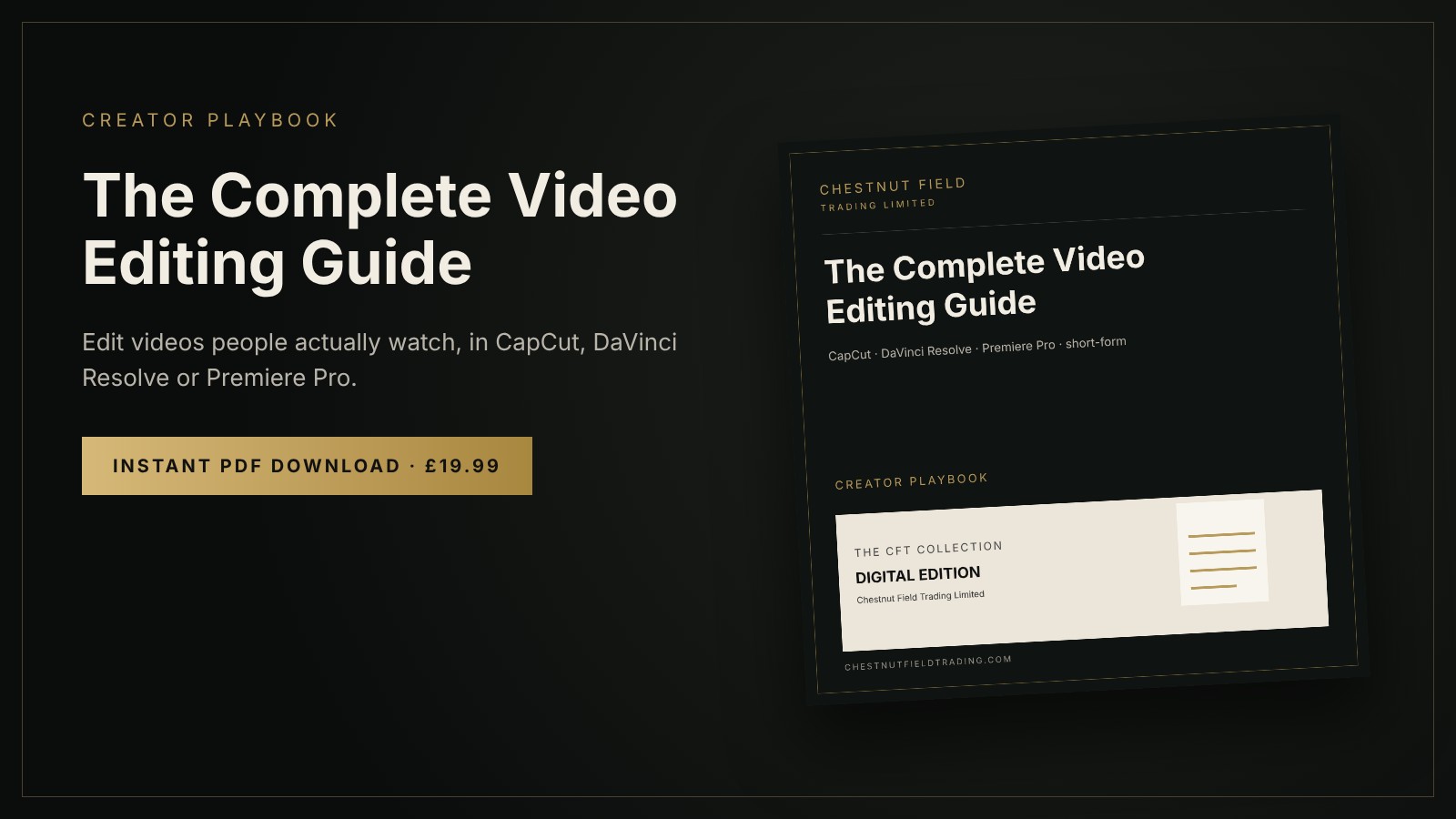
The Complete Video Editing Guide: 8 Editing Tips That Make People Keep Watching
Most people think great video comes from expensive cameras. In reality, it comes from the edit. A phone clip that's well cut, with clear sound and captions, will beat a beautifully shot video that drags. The good news: editing is a skill you can learn quickly with the right workflow.
Which Editing Software Should You Use?
- CapCut: best for Reels, TikTok and Shorts. Fast, automatic captions, and it works on your phone.
- DaVinci Resolve: best for YouTube and longer videos. The free version is remarkably powerful, especially for colour and audio.
- Adobe Premiere Pro: the industry standard if you work with agencies or other Adobe users.
Pick one and stick with it for a month. Switching tools slows you down more than any missing feature.
8 Editing Tips That Instantly Improve Your Videos
- Start with your best moment. No slow intros. Viewers decide in the first one to three seconds whether to keep watching.
- Cut every pause and repeat. If you wouldn't miss a section, remove it.
- Change something every few seconds. A new angle, a punch-in zoom, B-roll or on-screen text keeps attention.
- Use J-cuts and L-cuts. Let audio lead or trail the picture between shots. It's the simplest way to make edits feel professional.
- Fix the sound first. Clean up background noise and keep music well below the voice. People forgive average visuals, not bad audio.
- Always add captions. Lots of people watch with the sound off. Proofread them and keep them inside the platform's safe zones.
- Correct colour before you style it. Get exposure and white balance right, and keep product colours true to life.
- Export with the right settings. 1080×1920 for vertical video, the same frame rate you filmed in, and a high bitrate.
Editing for Short-Form
Reels, TikTok and Shorts reward speed and retention. Hook in frame one, trim every breath, keep captions big and high-contrast, and make the last frame lead back into the first so rewatches feel seamless.
What's Inside The Complete Video Editing Guide
Our 25-page guide gives you a professional workflow you can use in any editor:
- Choosing software, hardware, proxies and a folder system that saves hours
- Shooting habits that make editing faster
- A 10-pass workflow from raw footage to finished video
- 12 cutting techniques, from jump cuts to match cuts and speed ramps
- Pacing, story structure and cutting to music
- Short-form editing with safe zones and 12 proven formats
- Audio levels, dialogue clean-up and sound design
- Colour correction and grading with scopes and LUTs
- Captions, titles, keyframes and transitions
- Export settings for every platform, shortcuts and time-saving AI tools
- Editing ads that sell, 7 practice projects and a master checklist
Get the Guide
Download The Complete Video Editing Guide instantly for £19.99. Running ads with your videos? Pair it with The Complete Meta Ads Guide 2026.
Independent educational guide, not endorsed by any software maker. Software features change between versions.